
WebAssembly · v0.7.0

WordCraft online

Open WordCraft in one click, with multilingual fonts included. No install and no sign-up, just a modern browser.

Use WordCraft online

The editor and its fonts download on first use, then your browser caches them.

Or try it right here

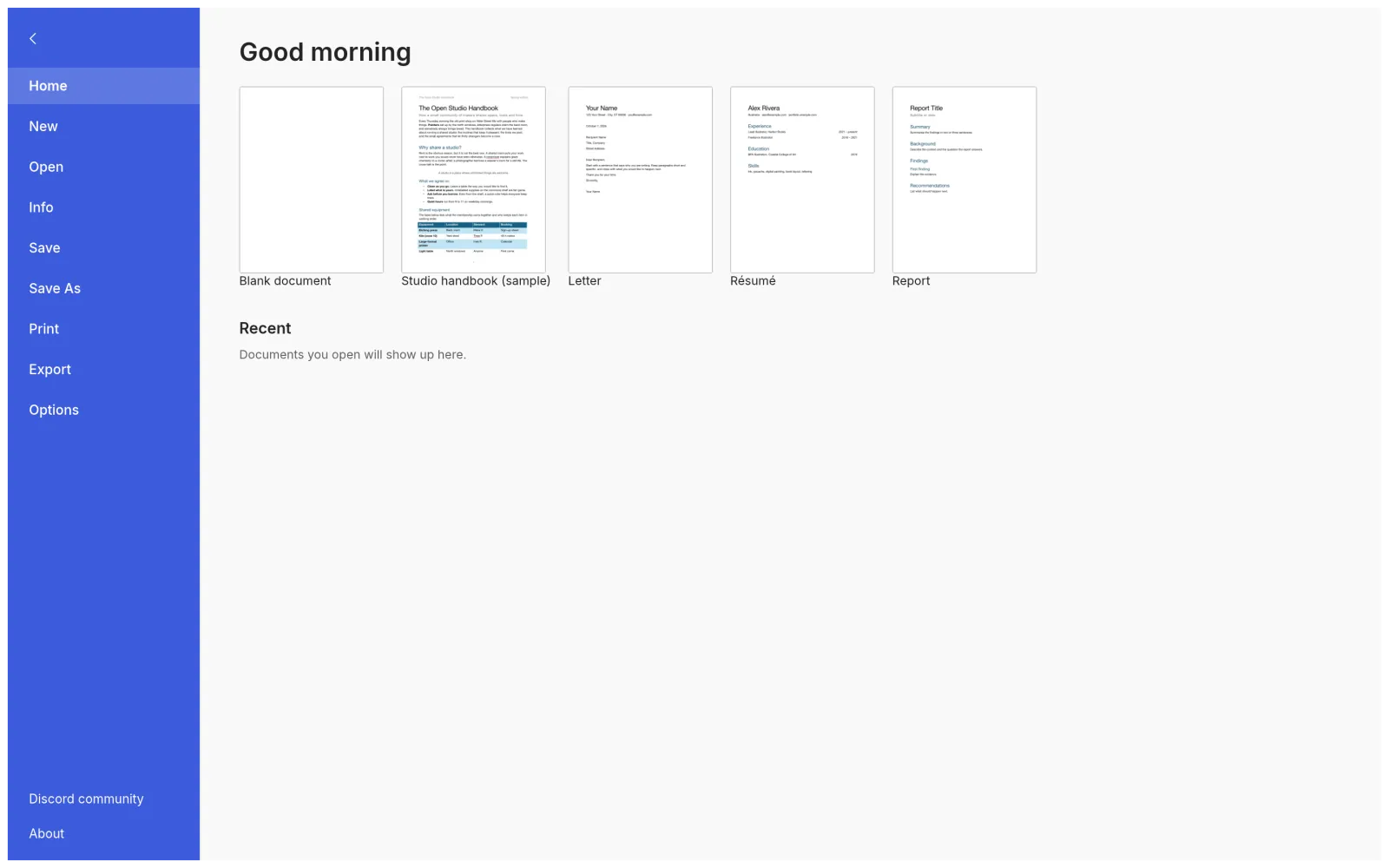
WordCraft File menu with blank document and template options

Best on a desktop or laptop. Click inside the editor to use keyboard shortcuts.

Chinese, Japanese and Korean fallback glyphs are included. To use another font, choose Add Font… at the bottom of the font menu or drop a licensed font file into the editor. Browser apps cannot automatically read your installed system fonts.

Save your work with Ctrl/Cmd + S. Choose a file location when prompted, or check your browser downloads. Canceling the save dialog does not save the document.

What you need

  • A recent Chrome, Edge, Firefox or Safari. WordCraft uses WebGPU and falls back to WebGL2 automatically.
  • A desktop or laptop screen. Phones work, but the ribbon is designed for a mouse and keyboard.
  • If the editor looks wrong or blank, add ?webgl to the address to force the WebGL2 renderer.

Your documents stay with you

The web build has no server-side code. Our server only delivers the app files; documents you open are processed inside your browser and saved back to your device through normal downloads. Preferences live in your browser's local storage.

Online or desktop?

The online version is perfect for trying WordCraft or quick edits on any computer. For daily writing, the desktop app starts faster, uses native file dialogs and works without a connection.

Full download guide →